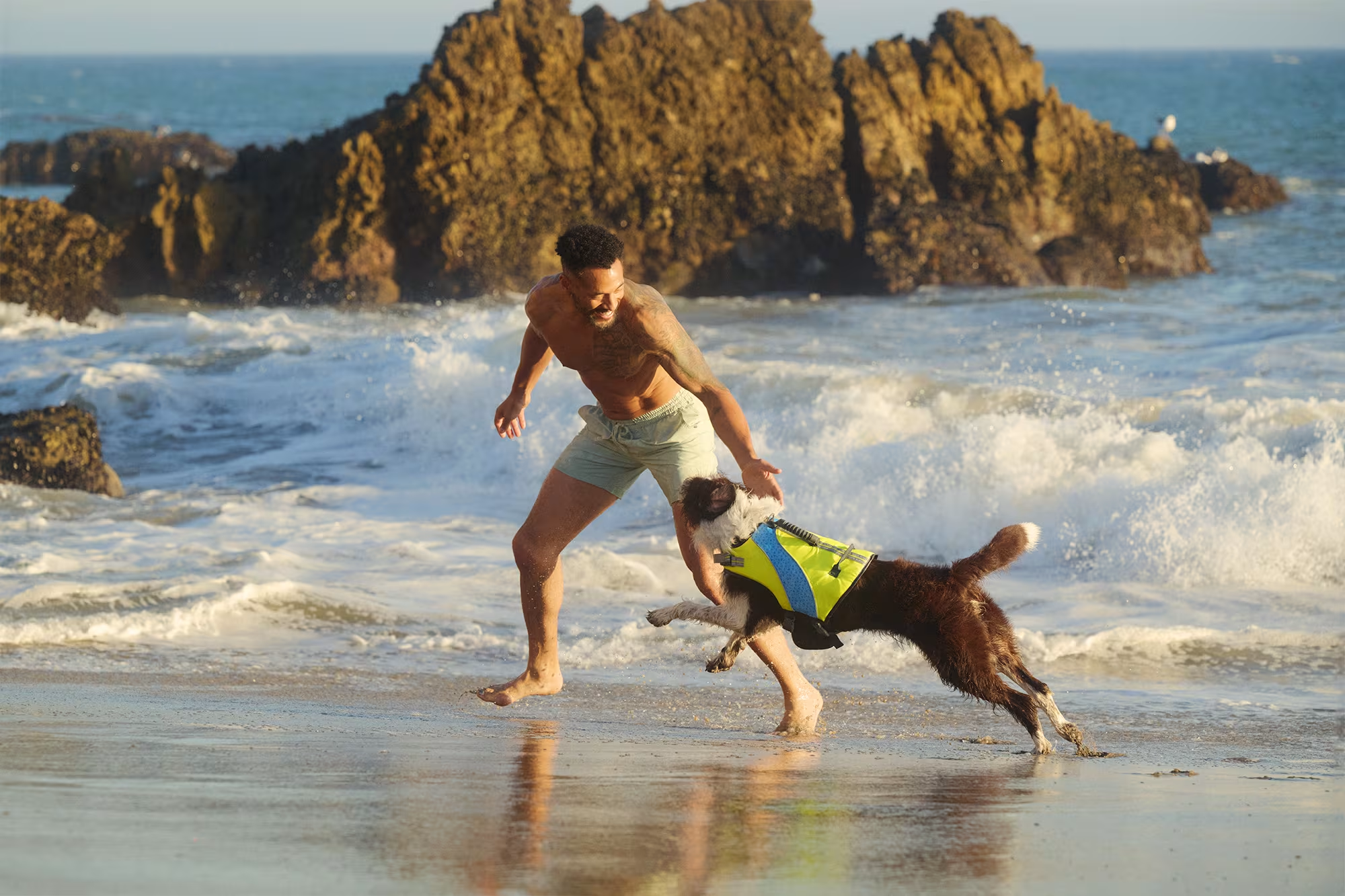
Two Easy Ways to Start Earning Rewards!
Become a member today! Members-only pricing and offers, personalized care notifications, Vital Care points back on every purchase and more!
 Become a credit card member today!
Earn 2X Pals Rewards points at Petco
when you use Petco Pay!APPLY NOWLearn More About Petco Pay Benefits
Reddy Dog
Get It Today

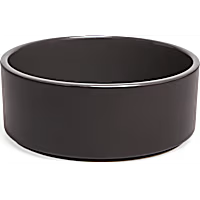

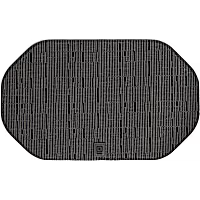

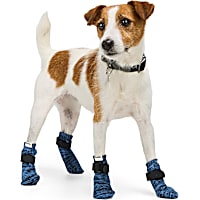



Related Searches
Related Articles & Questions
- Product Guides
Sustainable Pet Products: Durable, Recycled Gear for Your Pet & Planet
See how Reddy is doing their part by producing products in ways that protect our plane by keeping the environment at the forefront of every design.
Updated on October 23rd, 2025
- Care Sheets
New Dog Owner's Guide: Feeding, Health, & Creating a Happy Home
Learn how to care for your dog, recommended diet and training. Find the right food, supplies and equipment at your neighborhood Petco.
Updated on April 9th, 2026
- Home & Habitat
DIY Custom Dog Leash Hook: Personalize & Organize Your Pet's Gear!
Visit Petco to make a unique gift for the pet lover on your list. With a few hardware pieces, wood stains & paint, you can design a DIY dog leash & treat holder.
Updated on October 23rd, 2025
- Health & Wellness
Senior Dog Health Guide: What to Expect and How to Support Them After Age 7
Give your senior dog the best life! Find expert veterinary advice from Petco on caring for older dogs, understanding their health needs, and ensuring their well-being.
Updated on July 16th, 2026
- Product Guides
Father's Day Gifts for Dog Dads
Explore our picks for the perfect gift for the dog dad in your life this Father's Day.
Updated on November 24th, 2025
- Health & Wellness
How do I order my dog's vet prescription meds online from Petco?
You would need a current prescription from a veterinarian who has physically examined Duke. You can then place your order and submit the prescription. The pharmacy will then contact the veterinarian or clinic to confirm the prescription then fill the order.
Updated on September 24th, 2025
- Vet Q & A
How do I get pet food and supplies delivered automatically by Petco?
**How does Autoship work?** ---------------------------------- - Get your everyday pet essentials delivered right to your door at the guaranteed lowest online price, you can save up to 20% off and free shipping on every qualifying order! - Autoship lets you schedule your favorite pet food and supplies for automatic delivery. No more last minute trips to the store - Autoship will ship your pet essentials right to your door. - All the products your pet needs on a regular basis are available. Choose from food, pest control, medications, vitamins, supplements and much more for all pet types. **What types of products are available?** ----------------------------------------- - **Dogs:** A variety of dry and canned dog food formulas, treats, pest control, vitamins and supplements, medications, waste pickup bags, select toys - **Cats:** A variety of dry and canned cat food formulas, treats, litter, litter box liners, litter odor control, catnip, pest control, vitamins and supplements, medications, calming aids, select toys - **Fish:** A variety of fish food, sea salt, water conditioners, vacation feeders, vitamins and supplements, medications, water tests, filter cartridges - **Small Animals:** A variety of foods, treats, bedding and litter, hay and grass, vitamins and supplements, maintenance supplies - **Reptiles & Amphibians:** A variety of prepared and live food, vitamins/supplements, medications, sand and substrate, filter media, maintenance supplies - **Birds:** A variety of foods, treats, vitamins/supplements, medications, habitat litter and liners, nesting materials, select toys **How do I set-up a Autoship?** -------------------------------------- - Browse [petco.com](http://petco.com/) for the items you want to schedule for Autoship - Enter the quantity of each item you want and click the button. - Fill out the "Set Your Schedule" form - Click the "Review Cart" button - Review your cart and proceed to Checkout to complete your subscription setup ### *Note: Items will not ship until the first shipment date you set. You will not be charged until your order ships.* **How do I add a new item to my subscription?** ----------------------------------------------- - On the product page, enter the quantity of the items you want. - Click on "Schedule Autoship" - Sign in to Your Account to add to the new item to an existing Autoship subscription or create a new subscription. - Confirm your order details, then click "Schedule" ### *Note: You must complete the Checkout process to add new items to your Autoship subscription. The items will be shipped with your next Autoship order. Some items cannot be added to a Autoship order. You will be notified of this at Checkout.* **How do I add one-time items to my Autoship?** ------------------------------------------------------ **If you are signed in:** ------------------------- - View the product page - Choose to add the product once to your upcoming order - Confirm your decision - That's it! You'll receive the product with your next order. **If you are not signed in:** - If you are not signed in, select to add the product on to your upcoming order - You will be asked to sign in - Confirm decision - That's it! You'll receive the product with your next order ### *Note: Receive free shipping on all of your repeat deliver orders. If you add a one-time item to you upcoming Autoship order, that will ship for free too! If multiple orders, you can choose which order to ship your product.* **How do I edit my Autoship schedule?** ---------------------------------------------- 1. Sign into your [petco.com](http://petco.com/) account 2. In the "Autoship" section, select the subscription you wish to modify 3. On the Update Autoship page, you can change: your shipping address, payment method, quantities, delivery frequency, next ship date; or delete your Autoship Schedule 4. Click "Update Schedule" to save any changes **How do I apply my Petco Perks Dollars to my Autoship order?** ----------------------------------------------------------------------- - For new Autoship customers: You are given the option to apply your Petco Perks Dollars when you schedule your first shipment. Simply check the box labeled "Apply all my available Petco Perks Dollars." - For existing Autoship customers: Log into your account and in the "Account Name & Delivery Options" section, check the box labeled "Apply all my available Petco Perks Dollars" then "Update Schedule" - By checking this box, whenever a scheduled Autoship order is being created for shipment, all available Petco Perks Dollars will automatically be applied in $5 increments (For example, 15 Reward Dollars applied to a $14 order will result in a $4 order charge with 5 Reward Dollars remaining for future use) You can opt-out anytime by logging into your Autoship account and deselecting the same box **How do I edit my Autoship schedule?** ---------------------------------------------- - Sign into your [petco.com](http://petco.com/) account. - In the "Autoship" section, select the subscription you wish to modify - On the Update Autoship page, you can change: your shipping address, payment method, quantities, delivery frequency, next ship date; or delete your Autoship Schedule. - Click "Update Schedule" to save any changes ### *Note: You can change any part of your Autoship subscription up to three days before your order is scheduled to ship.* **Can I apply additional promotions to my Autoship?** ------------------------------------------------------------ - Since Autoship Subscribers enjoy our lowest online everyday prices on food and great limited-time offers on supplies, most Petco promotional offers do not apply to Autoship orders. Please read each promotion's Terms and Conditions to see if the offer can be applied to your Autoship. - Free shipping is limited to items that are eligible for Autoship
Updated on September 24th, 2025
- Training & Behavior
My dog is itchy. What dry food for small bites, no red dye?
Hello, thank you for using PetCoach. It sounds like PhatPhat has underlying allergies. That being said, it is not likely to be a true food allergy. If you play the odds, it is more likely to be an environmental allergy. The only way to know for sure if she has a food allergy is to have her allergy tested. I would really recommend you have that done. To answer your question specifically about dog food that is small bites and no red dye, I would recommend this one. ( https://nutro.com/shop-dogs/natural-dry-dog-food/small-bites-adult-lamb-sweet-potato-recipe ) Hope this helps. Best wishes.
Updated on September 24th, 2025
- Health & Wellness
Can I get my dog's prescription diet food online without a vet?
Hello Kevin, My name is Dr. Shines and I understand your thought process. Going to the veterinarian can be stressful! Unfortunately online veterinarians are not legally allowed to provide any type of prescription. Any prescription, even prescription food, requires a legal client patient relationship. This can only be established by having a physical exam. This legal relationship will last for 12 months from the date of the exam. I recommend to call Kevin's veterinarian and ask if there is a reason they aren't approving the prescription. Maybe there's a specific reason? You might also look into a mobile veterinarian who can come to your home and save Kevin the stress of a trip. I hope this helps and please feel free to reach out with any additional questions.
Updated on September 24th, 2025
- Vet Q & A
My puppy's skin is irritated after moving to the country. What's wrong?
I would recommend taking Red to a veterinarian. With the history provided it may indicate allergies. Her skin looks very irritated and after a physical is performed to determine if this is the cause there is plenty of options for allergies in dogs. The first thing is clearing the infection which can include antibiotics, anti-fungals and/or shampoos. The next step is treating the allergies. This can be done by anti-histamines, steroids or two newer treatments one is pills called apoquel and then other is a 4-8 week injection called cytopoint. Allergies can be caused by environmental factors, which its sounds like could be part of the issue due to the recent move to the country but it can also be caused by food allergies. I would discuss this with your veterinarian and make a treatment plan with what is best for you and Red. If after a physical it doesn't appear to be allergies it could also be some type of mite on Red's skin. If your veterinarian feels it is more from mites a skin scraping would be performed to confirm this. Some mites are extremely difficult to find and sometimes even if no mites are found treatment is still initiated. I hope Red feels better soon and thank you for using Petco Pet Education Center, formerly Petcoach!
Updated on September 24th, 2025